

❋
Reactivation Campaign
Resources & Prerequisites
Everything your clinic needs to be ready before the May 22nd launch.

The Reactivation Campaign automatically reaches out to discharged patients via email and SMS to bring them back for care. It's a powerful tool, but only if your clinic's foundations are in place.
This page walks you through the prerequisites, gives you a clear checklist to work through, and points you to the right resources if you need help getting set up.
The campaign launches Friday, May 22nd. Clinics that aren't ready by then will not see results, and that's the clinic's call, not the tool's limitation.
*Only patients over 18 are targeted by this campaign. Make sure each patient’s Date of Birth is on file.
Case Templates Are Set Up
The campaign targets patients based on case data: discharge dates, treatment types, and case status. Without proper case templates, that data is inconsistent or missing entirely.
Where to find it: Clinicmaster → Settings → Cases → Case Templates. If you're unsure what "proper setup" looks like, this is one of the most common topics covered in training sessions.
Cases Are Being Discharged Consistently
This is the single biggest blocker we see across clinics. The campaign only reaches patients whose cases are marked as discharged. Open cases are treated as "still in care" and skipped entirely.
What to review: Have your team walk through your active case list. Anyone who hasn't been seen in 60+ days and isn't actively scheduled should be discharged. Build this into a weekly admin task moving forward.
Booking Reasons Are Clean & Configured
When patients respond to the campaign, they're sent to your client portal to book. If your booking reasons are messy, redundant, or incomplete, patients hit friction and drop off.
Common issues: Duplicate booking reasons, outdated service names, reasons tied to inactive practitioners, missing tags. A quick audit takes 15 minutes and can dramatically improve conversion.
Where to find it: Clinicmaster → Settings → Client Portal → Booking Reasons.
Client Portal Is Configured & Live
The campaign links patients directly to your portal. If your portal isn't enabled or is misconfigured, the campaign sends patients to a dead end.
What to check: Open your own portal link as if you were a patient. Can you find your services? Can you book a slot? If anything feels off, fix it before May 22nd.
Practitioner Schedules Are Accurate
Patients can only book what's available - and "available" depends entirely on how your practitioner schedules are set up. If a practitioner is scheduled incorrectly, patients will book outside clinic hours and frustration will follow.
What to review: Each practitioner's weekly schedule, including booking tags, service-specific availability, and any "Reception" vs "Online Booking" distinctions.

Helpful Resources
Clinicmaster Documentation
Refer to your Clinicmaster admin documentation for step-by-step setup guides on any of the above.
Support Tickets
For technical issues, submit a ticket through Clinicmaster support. For Physiomed-specific concerns, copy Olivia so the right priority is applied.
Olivia Wilson (Head Office)
For franchise-level questions, escalations, or confirmation that you're on the right track.
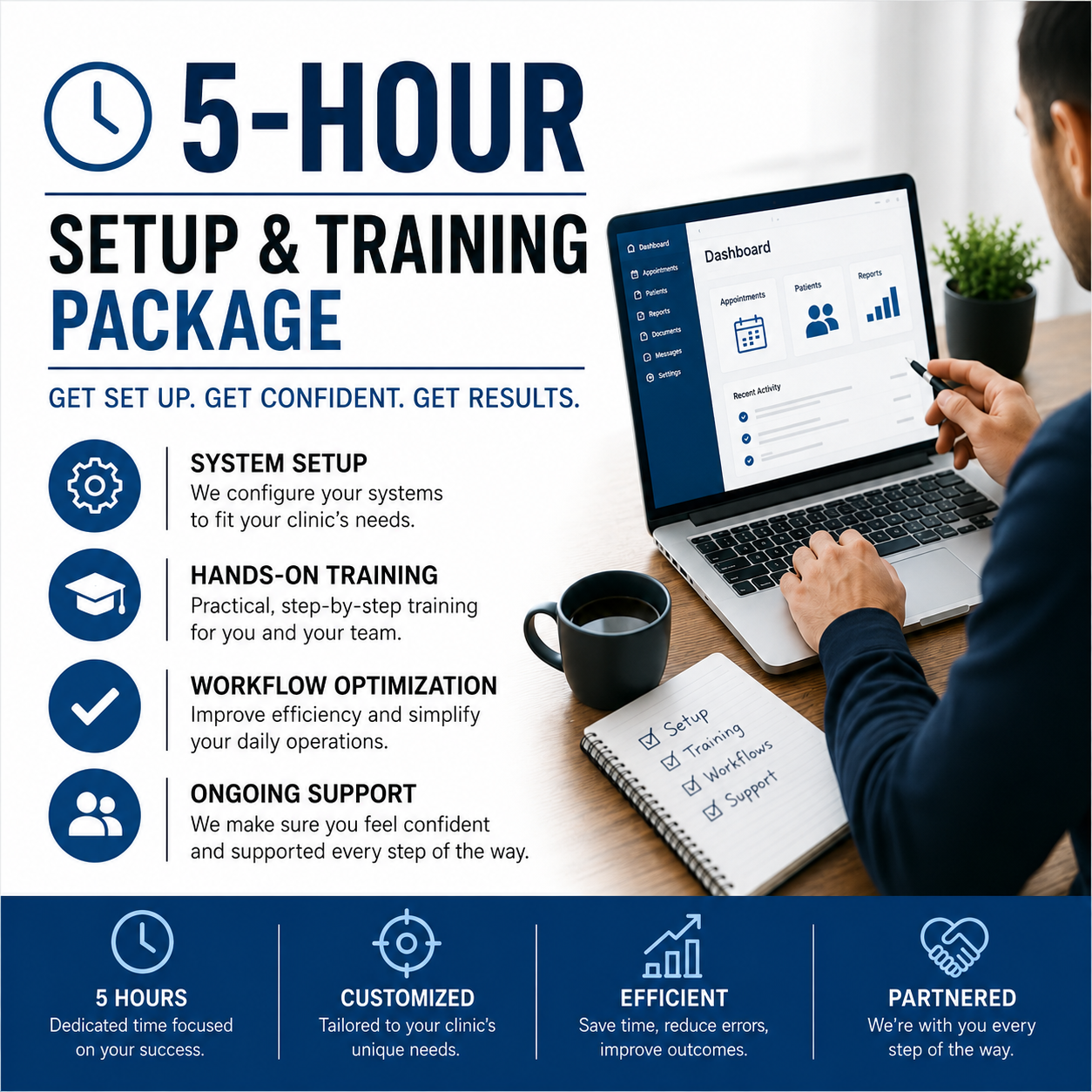
The Reactivation Campaign launches May 22nd. This package gets your clinic ready and gives you hours to spare for whatever else needs cleaning up.
Five hours of focused setup, training, and consultation, structured around what your clinic actually needs. We can spend the time on the Reactivation Campaign prerequisites, or use it on anything else that's been sitting on your to-do list.
Reactivation Campaign Setup - Get the prerequisites in place: case templates, discharging workflow, booking reasons, client portal, practitioner schedules. Be ready before May 22nd.
HCAI Configuration - Proper setup so your auto insurance billing runs smoothly without bottlenecks.
AI Receptionist Setup - Lay down the foundation so you’re ready to get started and free up your reception for better service. Allow clients to book by phone around the clock.
AI Charting - Setup, workflow integration, and team training so your practitioners save time without sacrificing chart quality.
Client & Practitioner Portals - Configuration review and clean-up so they actually work for your team and patients. Service-by-service audit, booking tag configuration, and team training so clients book the right way.
Workflows & Case Templates - Build a "gold standard" setup your team can follow consistently.
Anything else - Cleaning up Clinicmaster data, building reports, troubleshooting issues, training new staff. If it's clinic operations, it's on the table.
A 5-hour setup and training package built for Physiomed clinics ready to take their operations to the next level, just in time for the Reactivation Campaign launch.
⏰Available until September 30th
_
*Already completed training sessions with me?
You can upgrade to this package and only pay the difference. Reach out directly and we'll work out the math based on what you've already purchased - no need to start from scratch.
Questions?
Reach out directly